
APPLE
App Store
Find Timer Plus — Workouts Timer
in the App Store.
Before deciding, read the iPhone and iPad listing guide.
Work, recovery, the next round. Timer Plus is an app for interval workouts.
Meet Timer Plus01 The app
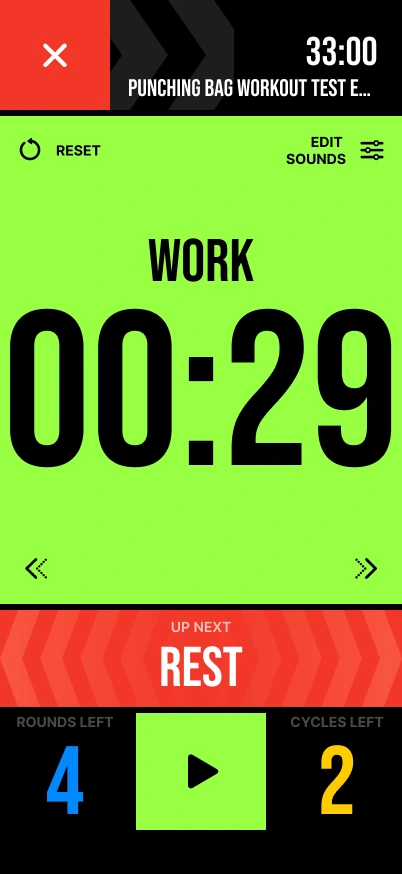
Start with the workout
you already follow.
Explore how work periods, recovery and repeats fit together. Each guide breaks down a timing pattern, shows its total, and makes the ending clear.
Set different interval durations, name your exercises and adjust rests, sets and cycles. Follow sounds or voice cues with music or the screen locked, and share a workout through a timer code.
Product-team details received Nov 11, 2026. Ad-free with paid access. Store information: App Store · Google Play.
Choosing an app?
Inside Timer Plus
Build your intervals, save your workouts and choose the cues that guide you.
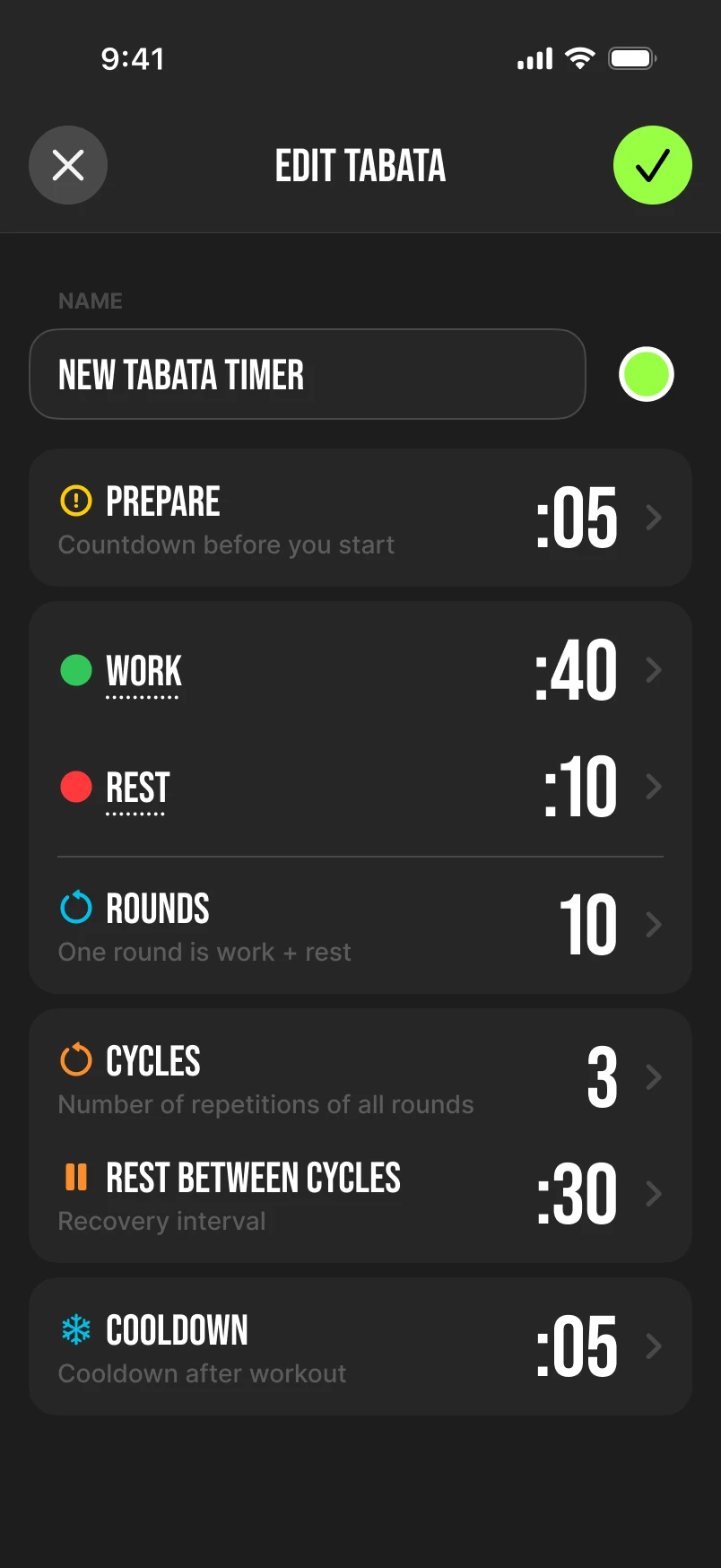
Adjust preparation, work, rest, rounds and cycles to match your plan.
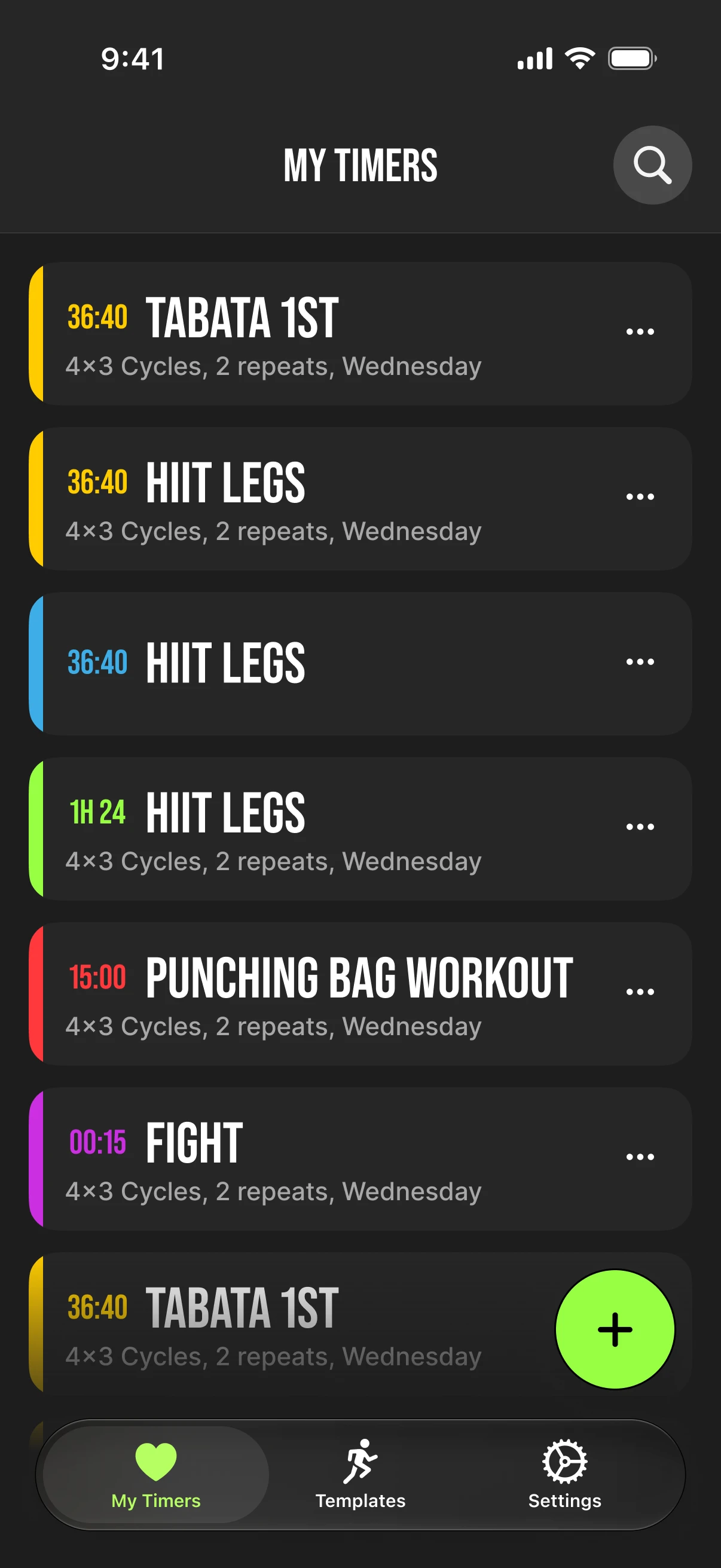
Give your timers names and return to your saved workouts.
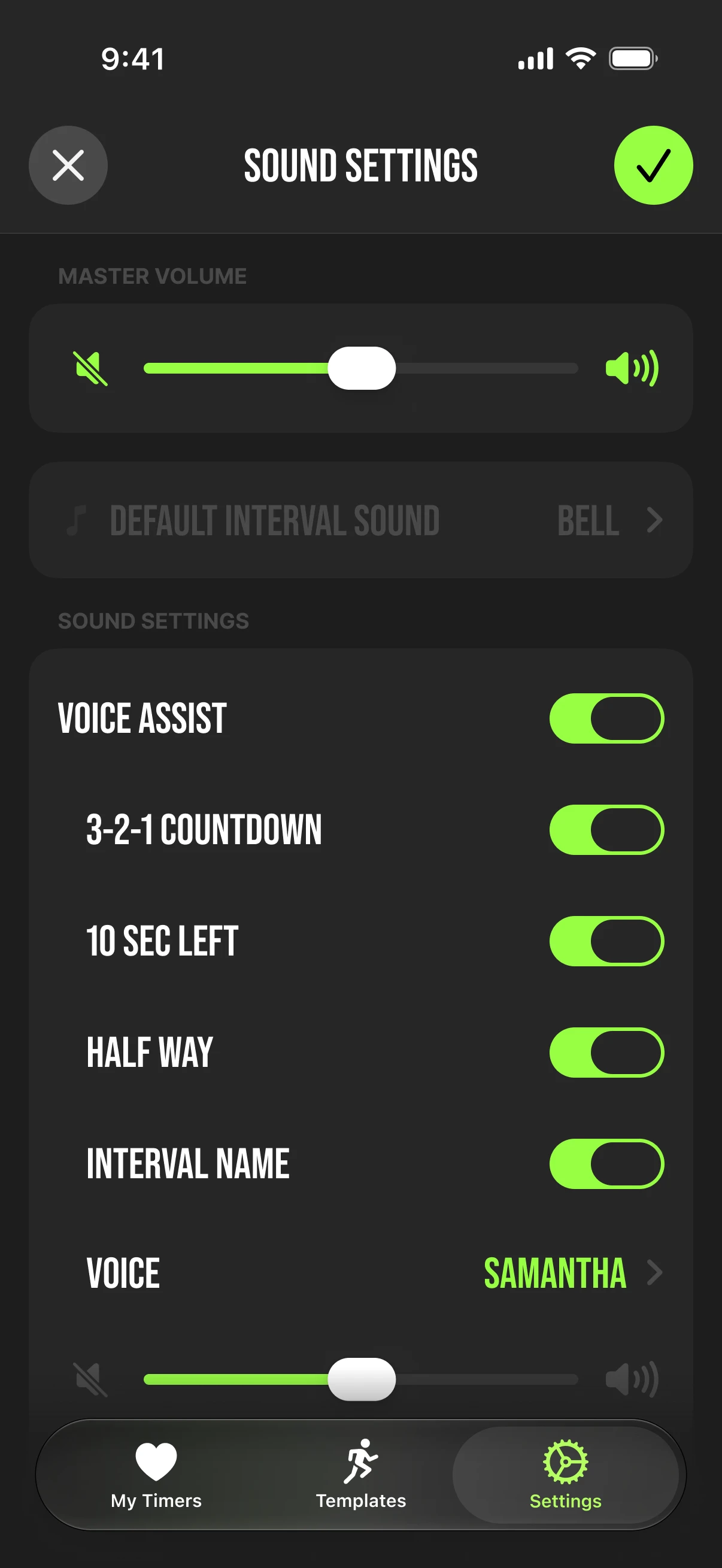
Set the volume, voice prompts and countdown signals you want to hear.
iOS interface designs shown. Screens may differ by platform and app version.
02 Interval timing, explained
Four 30-second work intervals and three 15-second rests take 2:45. Timer Plus ends after the last interval, without a final rest. Preparation is separate.
Explore the timing patternsThe rhythm of an interval
Work
30seconds
Rest
15seconds
4 work intervals
3 rests between them
2:45total time
2:00work
0:45rest
03 Explore your timing
Work and recovery, eight short repeats, or rounds with breaks. Find the structure that matches your plan and see how the time adds up.
Compare 30/30 and 40/20 within the same six minutes.
02 / 20–10 PATTERNEight work periods. See why the ending can be 3:50 or 4:00.
03 / ROUNDS + BREAKSSee how three rounds add up with the breaks between them.
In their own words
Selected excerpts from iOS user reviews. Individual experiences can vary by app version and setup.
App Store review · iOS
“simple and straightforward”
A comment on ease of use from an iOS reviewer.
App Store review · iOS
“it really helps you stay on track.”
The reviewer describes kettlebell and EMOM use, and also reports limits when editing saved timers and varying round lengths. Read the full review for those qualifications.
These excerpts are selected comments, rather than a summary of all reviews. Read each original for its full context.
04 Choose your device
Explore Timer Plus in the store you use.
Review the current app details before downloading.
Find Timer Plus — Workouts Timer
in the App Store.
Before deciding, read the iPhone and iPad listing guide.
Find Timer Plus — Workouts Timer
on Google Play.
Before deciding, read the Android listing guide.
Store links open the app listing. Timer Plus is ad-free with paid access. Current offers are shown in the app. For the questions to check before accepting an offer, read the purchase and access checklist.